Problem
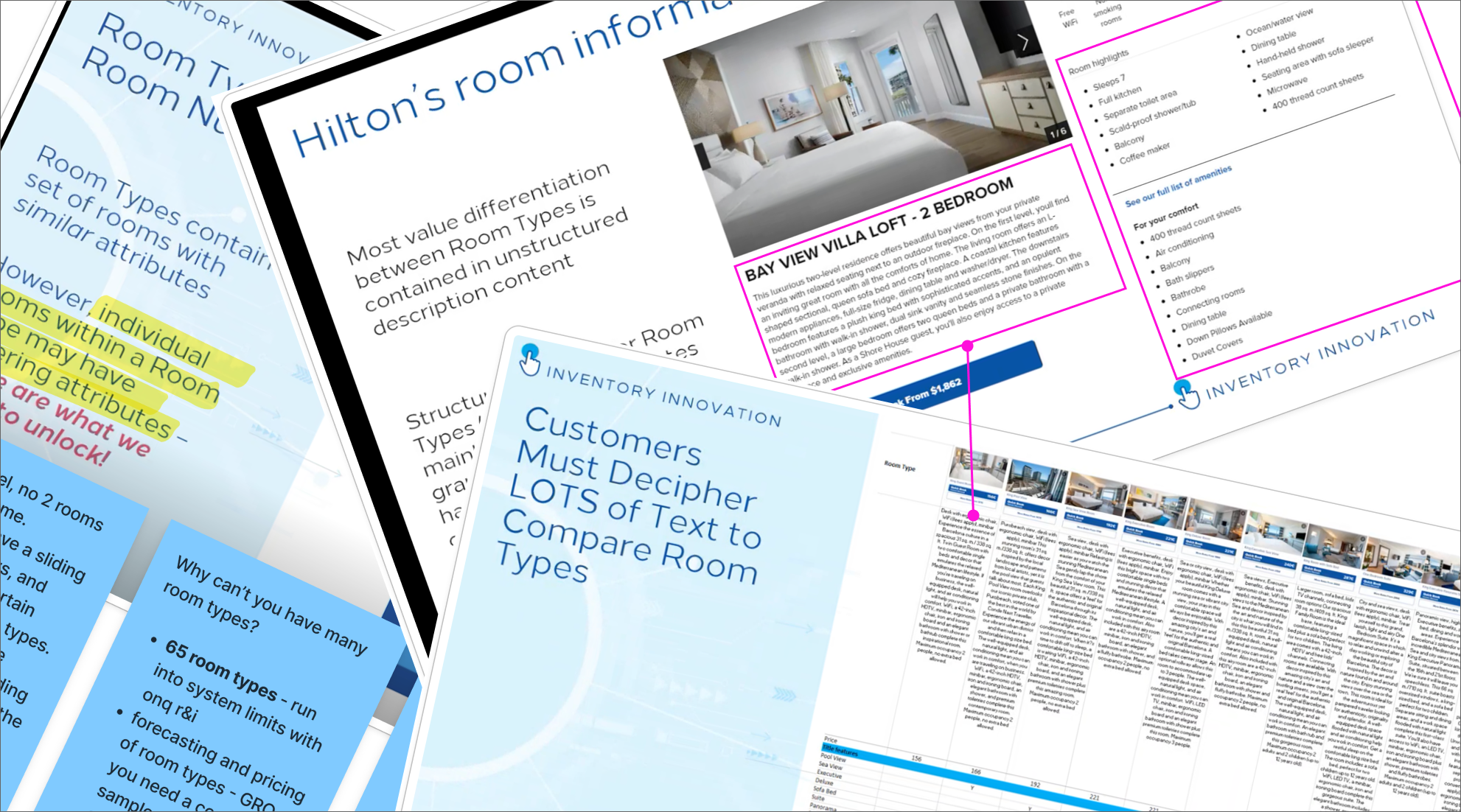
Hilton lacks a standardized approach to communicating key room features to customers. For example, important details such as ocean view, accessibility features, and dual vanities are buried within lengthy unstructured descriptions.
Goal
Drive revenue growth and operational efficiency by establishing a centralized process for Hilton corporate and hotel teams to define and manage room attributes.
- DELIVERABLE
- Requirements Gathering, Research, Prototype & Final Design Comps
- ROLE
- Lead Product Designer
- TOOLS & SOFTWARE
- Figma, Jira & Confluence
50 Hotels
initial POC
2% increase
in bookings
9% decrease
time on page
12% decrease
user session duration
About Attributes & Approach
Hilton's program update of attributes will enable hotels to more accurately define characteristics at the room type level. While Hilton's long term goal is to reach room level specificity, this update is a significant step toward more clearly communicating the value of each room to potential customers. It will also enhance the search and browsing experience. Currently, hotels rely on lengthy descriptions to convey uniqueness, which is inefficient and harder to compare rooms.
Phased approach: The delivery of Room Attributes will occur in multiple phases due to time constraints, urgency, and some uncertainty around backend execution.
Challenge: One of the challenges Prodigy faces is the lack of dedicated backend developers and product owners on our team. While we’ve built strong relationships with both groups, we’re not always fully aligned or up to date on evolving business or technical requirements. This can create significant challenges when designing and developing under tight deadlines.
Research
Hilton Tool Analysis
Managing Attributes?
My first task was to track down where and how attributes are managaed and maintained in the Hilton ecosystem.
- 1. Attributes
- In the current system, attributes do not formally exist. Differentiation between room type characteristics is captured within the long, unstructured room description.
- 2. PIM Tool
- Hotels use the long, unstructured room descriptions in the PIM tool to capture unique room characteristics, which currently serve as the primary location for many attribute type details.
- 3. Sort & Filter
- Customers must sift through large amounts of text to compare rooms, making it difficult and time consuming to find the right one. The browser and search experience lacks sorting and filtering options, further hindering the process.
Ecosystems & Data Management
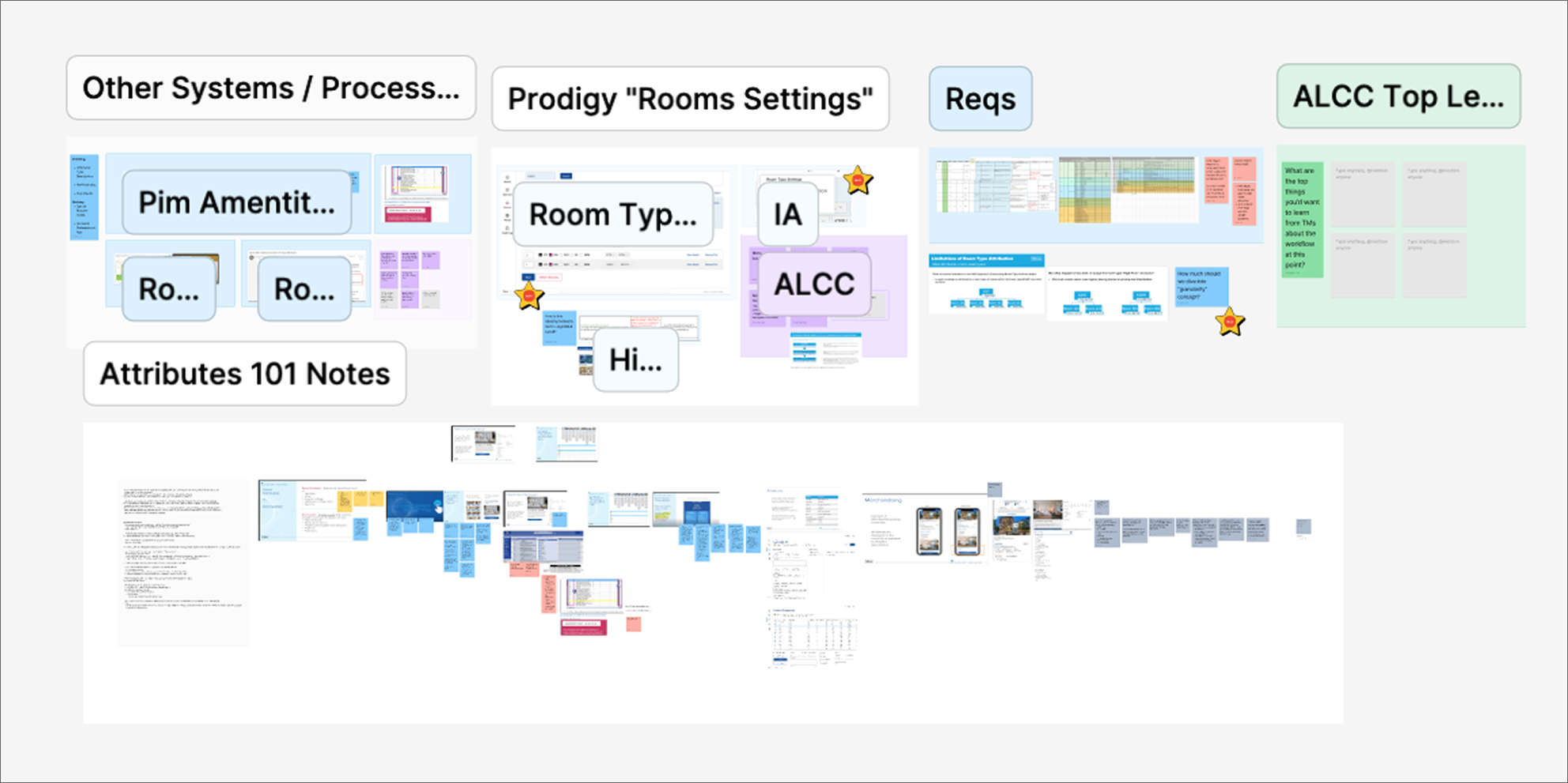
The image below illustrates the processes and systems that corporate and hotel managers use to maintain room details. Due to security restrictions, I’m unable to share specific information about Hilton’s internal systems or data. However, this is a consolidated overview of the tools used to manage room attributes, types, amenities, and other project related data.
- 2. Hotel Management
- Hotel managers and owners use an Excel spreadsheet to manage room attributes and amenities.
- 3. Limitations
- Currently, hotels manage rooms at the room type level, meaning all rooms must share the same characteristics. If any room differs, for example being near an elevator or on a high floor, the hotel must create a new room type to accommodate those differences.
- 4. OnQ R&I
- Managing 65 room types pushes the ONQ R&I system to its operational limits.
Design Process
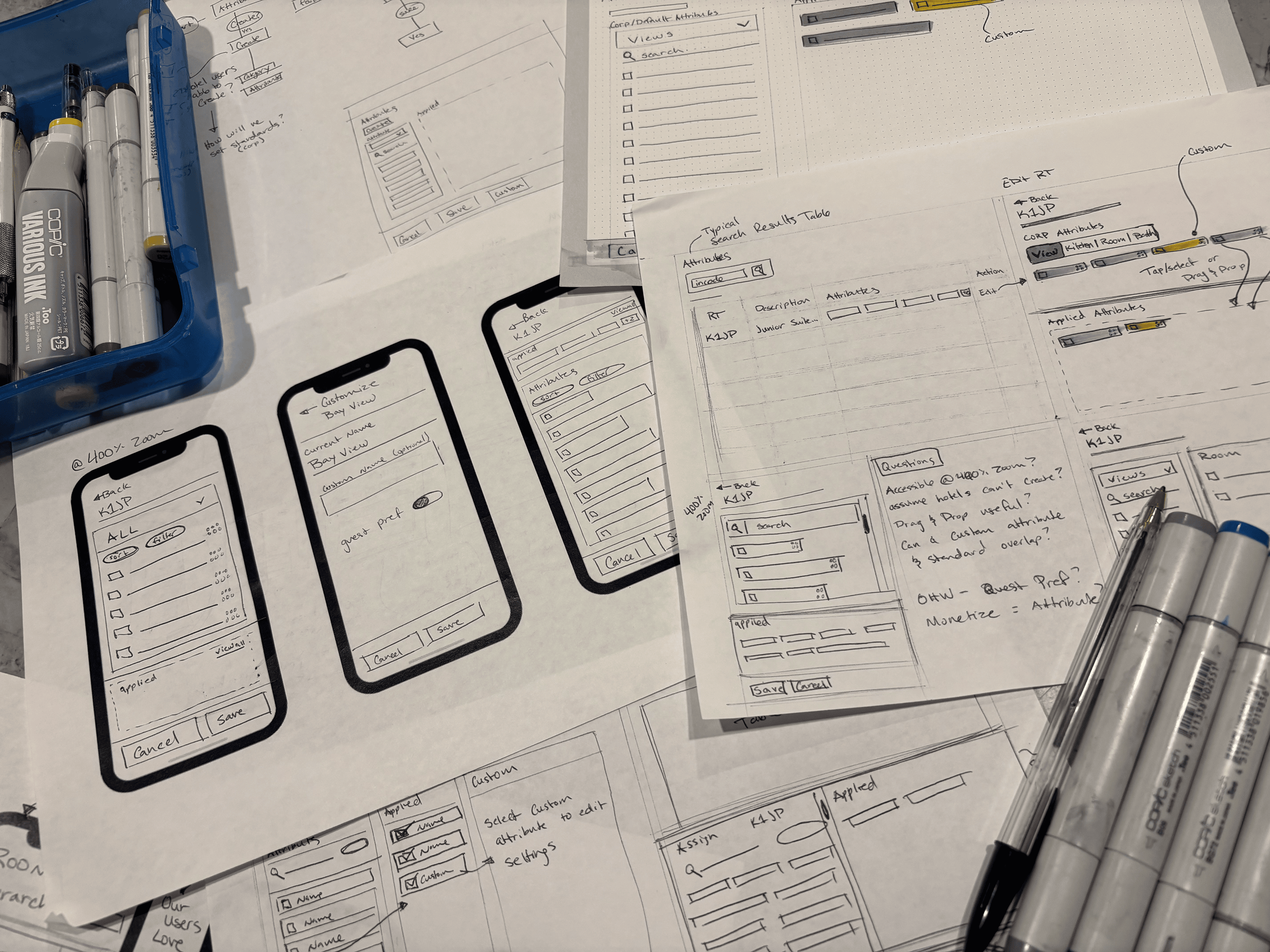
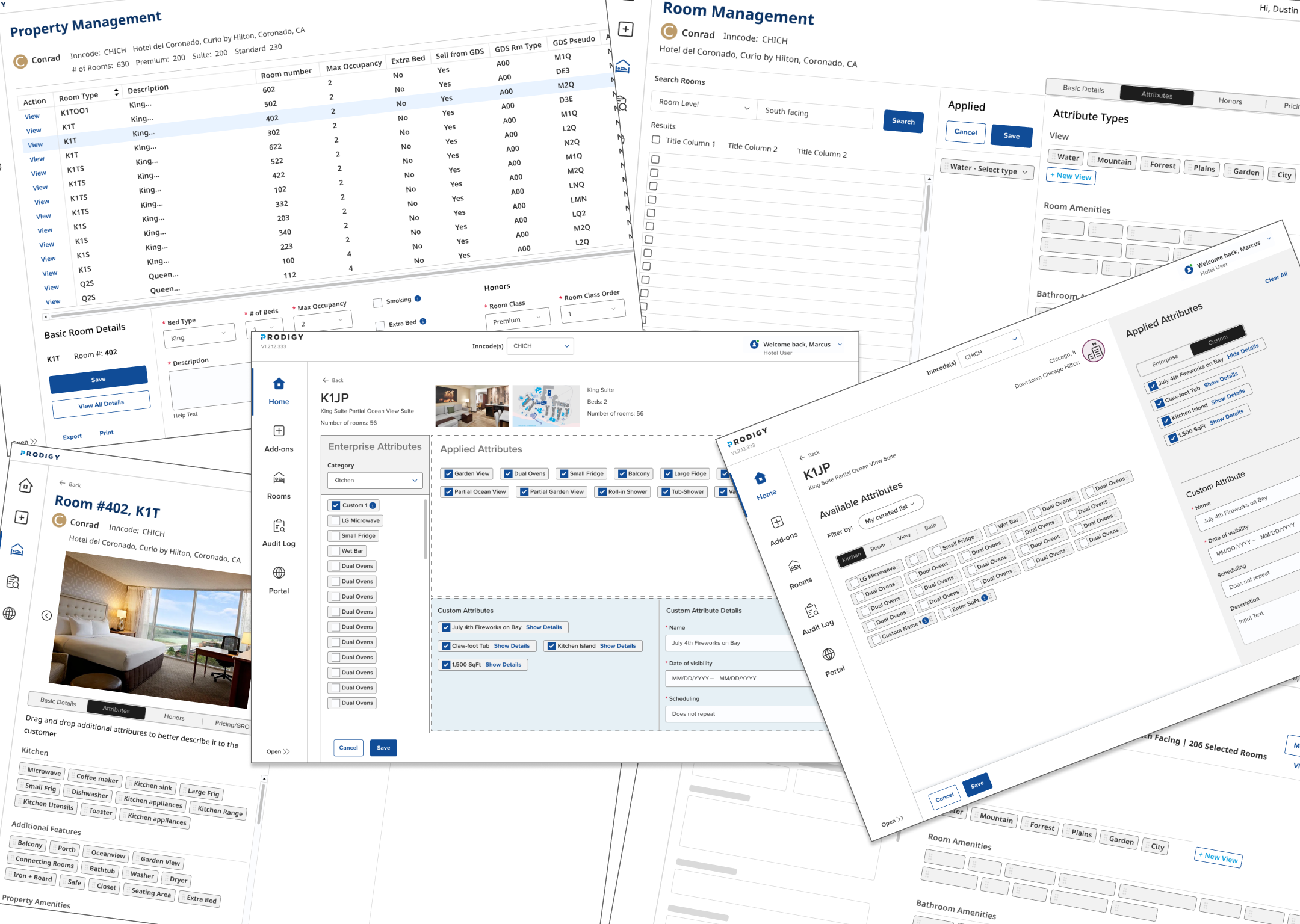
Sketching, Wireframes, & Mid-Fi
- Questions
- What happens when standard naming conventions are out of sync?
What happens when a user doesn't save before exiting?
How will custom attributes be maintained and updated over time?
What is the best method to group items for scalability with future attributes?
At 400% zoom, what bucket is most important to showcase? (Onboarding vs Maintaince secnarios)
Testing Concepts
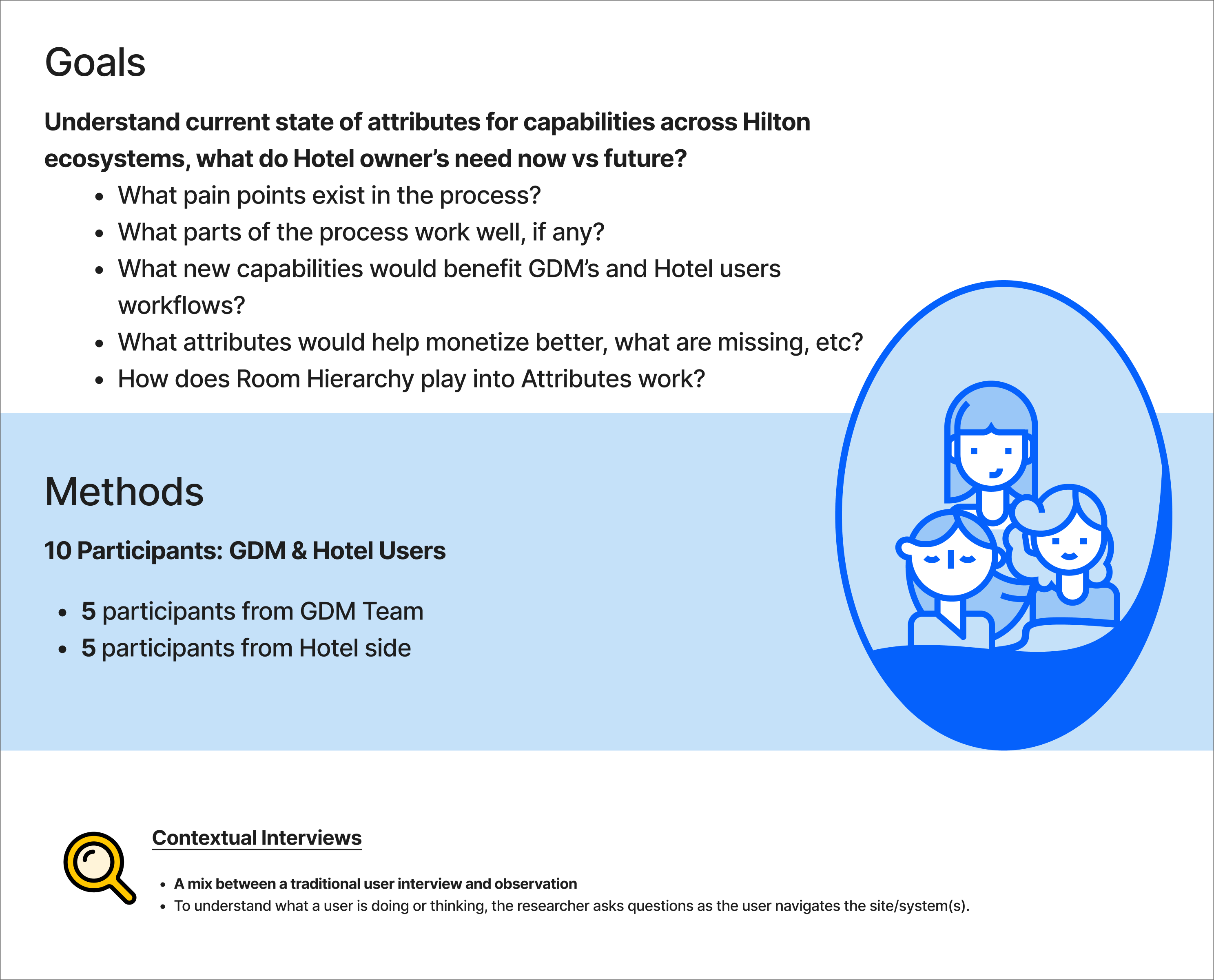
User Research
Research Findings
A simple generative research approach provided valuable insights that guided our next steps.
- Research Takeaways
- Overall, users found the process of finding, adding, and removing attributes to fit their expectations.
The majority of users preferred Option 2, which featured a vertical left-side panel for enterprise attributes and attributes applied to the hotel on the right.
Great response of drag and drop, but was not necessary.
Certain hotel users mentioned they would use the custom attribute feature and were excited about it.
Project Shift
Design Impact & Strategy
Delivery Impacts
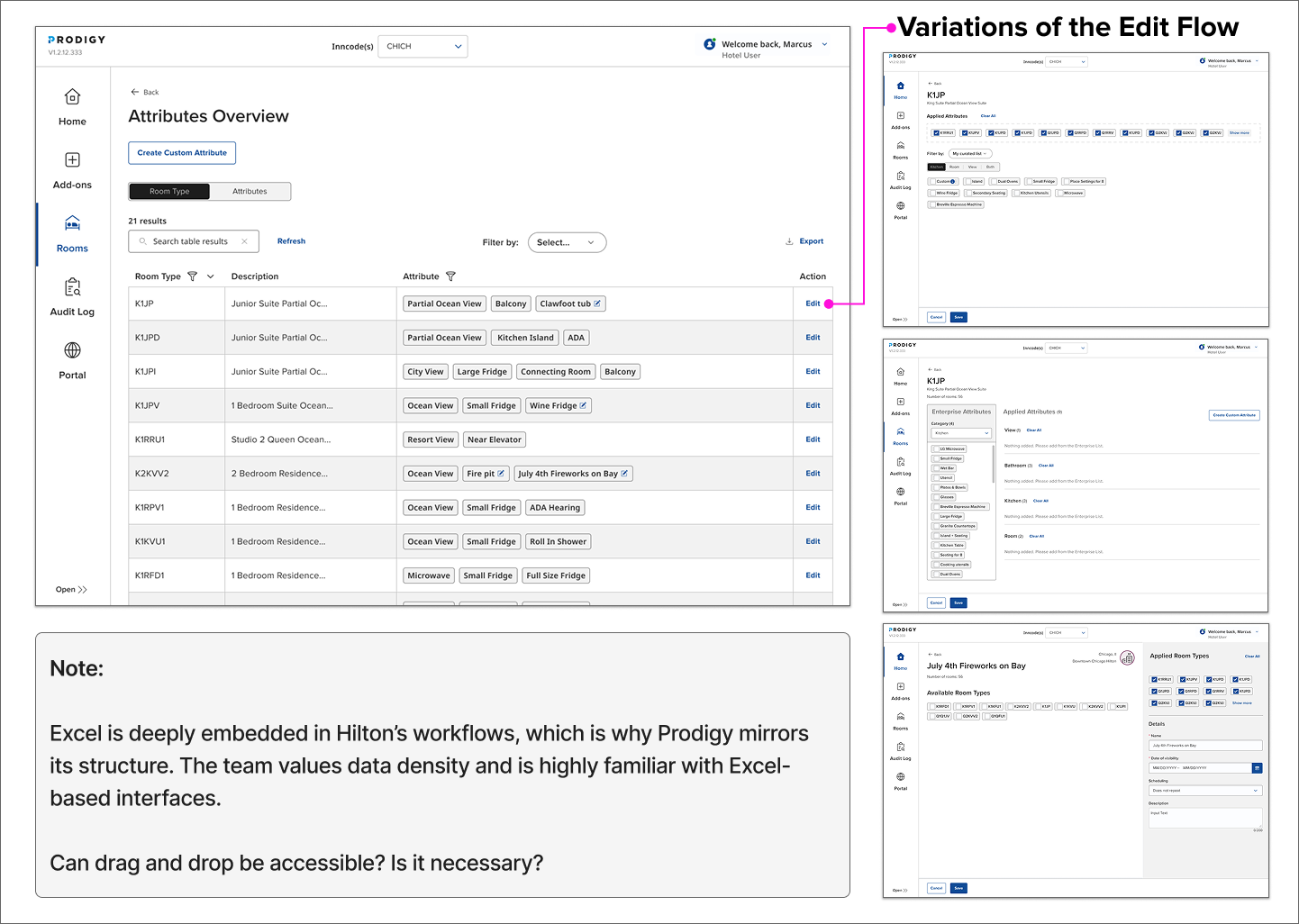
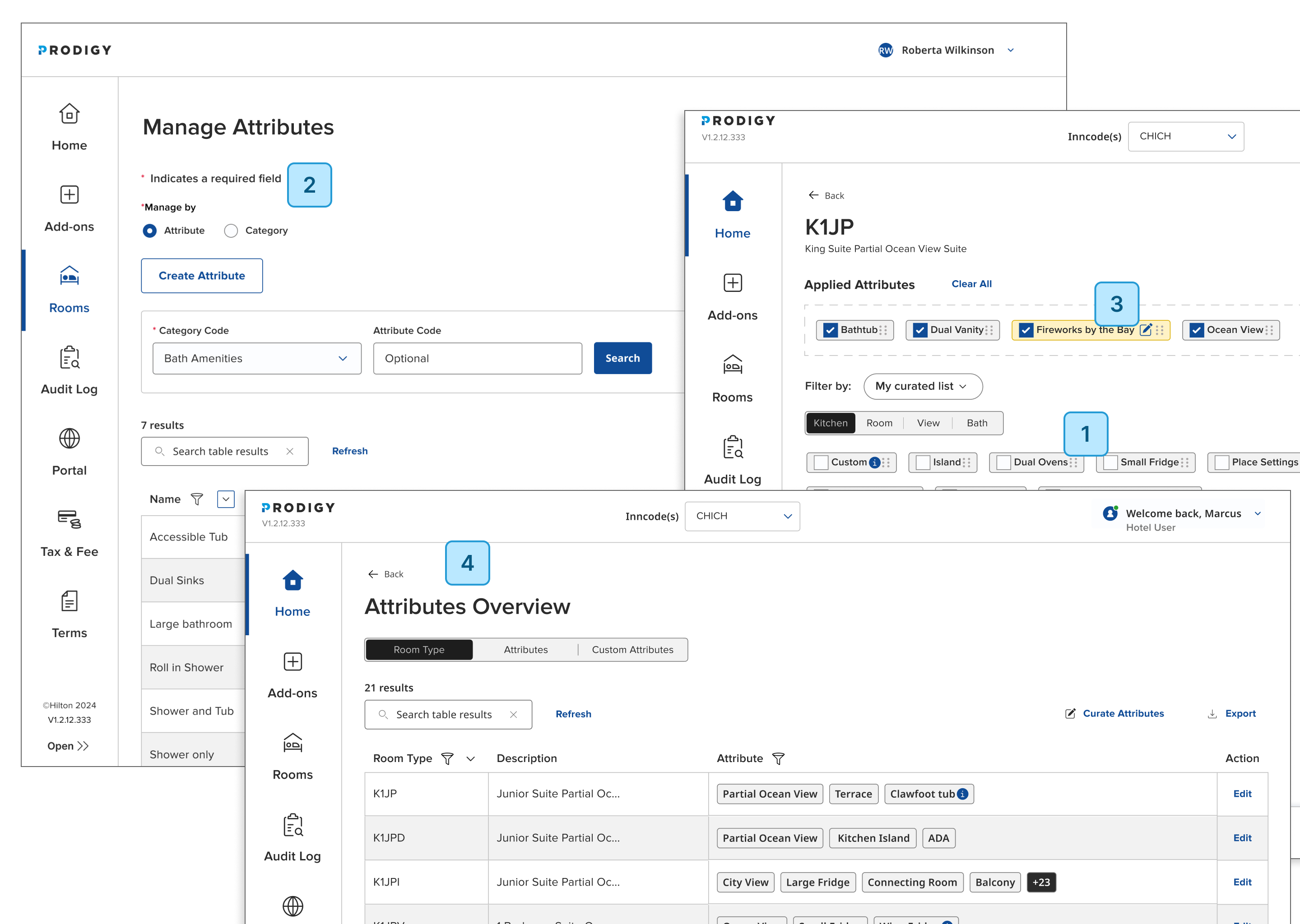
Due to changes in timing, backend capabilities, and business requirements, the team simplified our initial approach. In phase 2, our goal is to better align with user expectations, as validated through user research. Callouts seen below.
- 1. Drag & Drop
- Hilton's high bar for accessibility and short deadlines has resulted in the need to cut the drag & drop interaction. Looking to implement for phase 2.
- 2. Attribute Management
- Hilton aims to manage the creation and maintenance of attributes internally by corporate teams to ensure data consistency and integrity across the organization.
- 3. Custom Attributes
- Hotel users will not be allowed to create custom attributes. Business strategy of creating and maintaining custom attributes has shifted. Further testing needed.
- 4. Researched Experience
- Due to backend limitations, the researched design had to pivot. My goal is to advocate for the optimal user-centered experience in phase 2.
Solution
High Fiedelity Designs
Design Strategy
- 1. Drag & Drop
- Deliver the drag and drop element within the new design system component and Storybook in Phase 1. The team can prioritize and implement it when necessary.
- 2. Experience
- Keep validated 'assign' experience from research for later enhancements.
- 3. Custom Attribute Process
- Setup a PoC to white lable the bulk approval service inside the custom attribute experience.
Solution
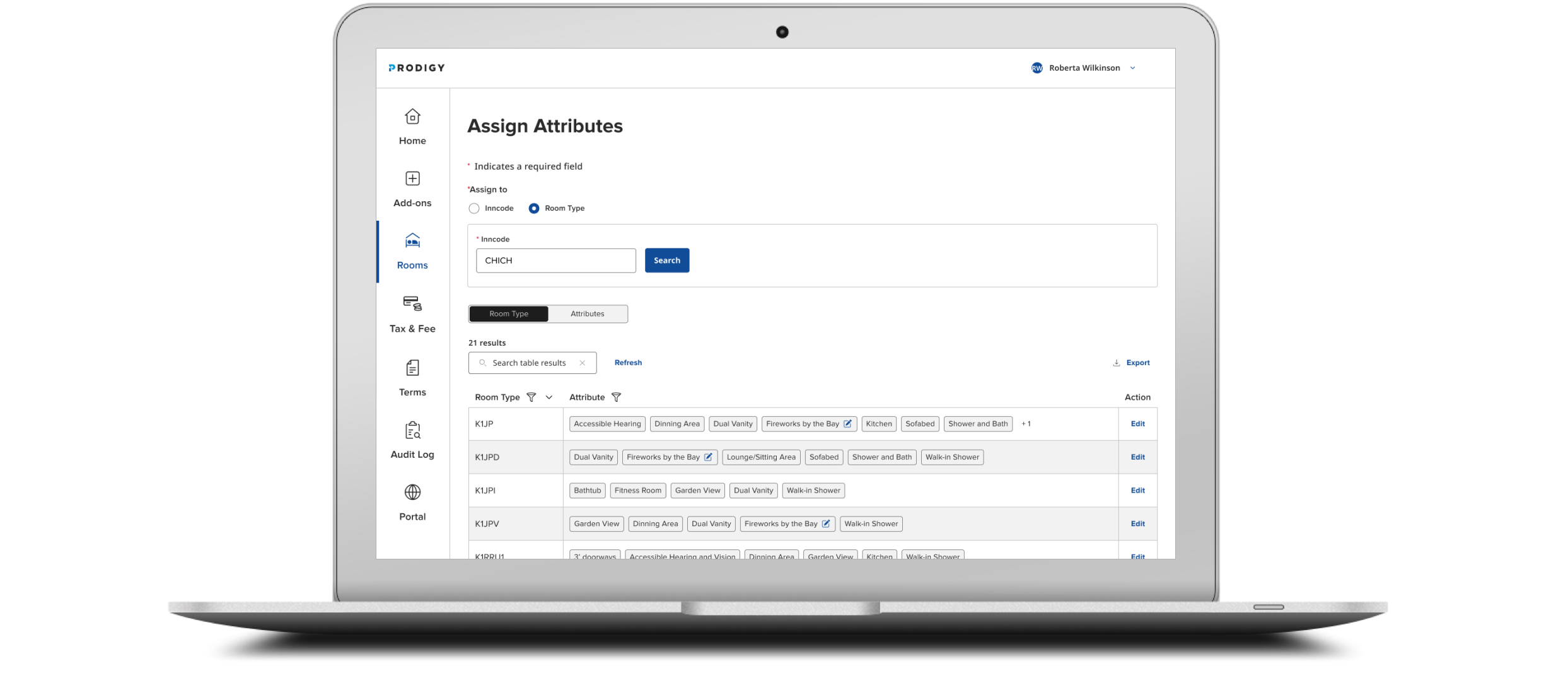
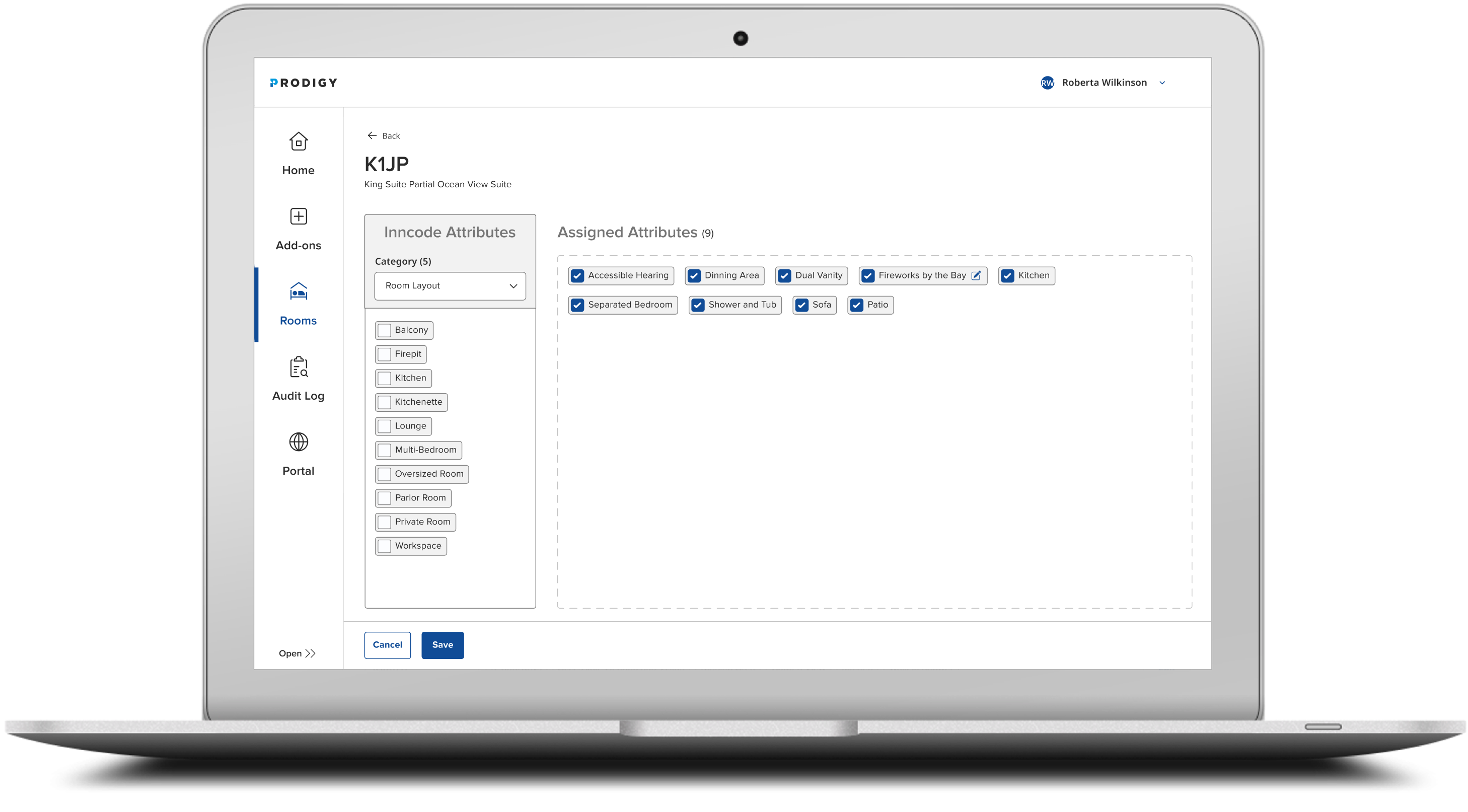
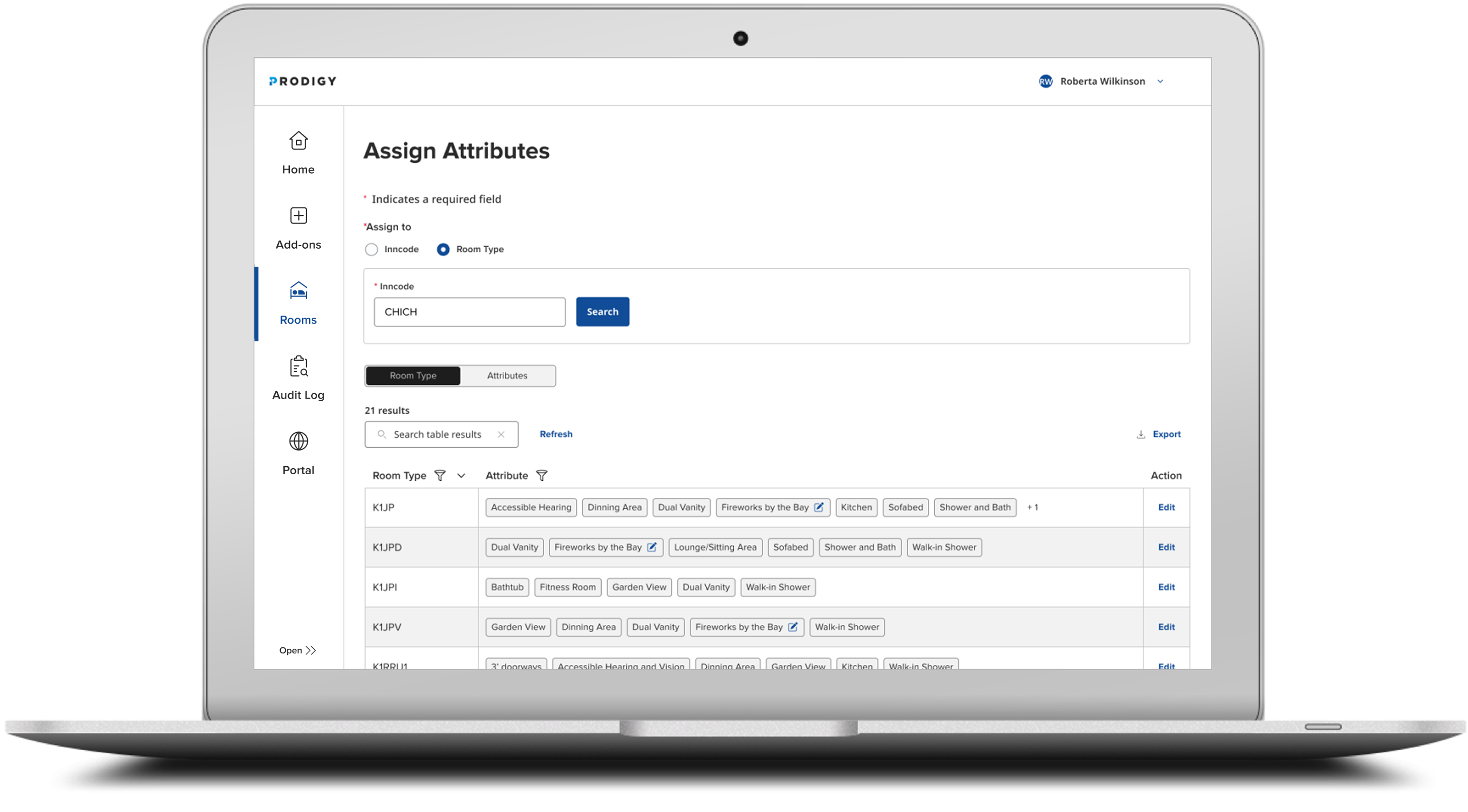
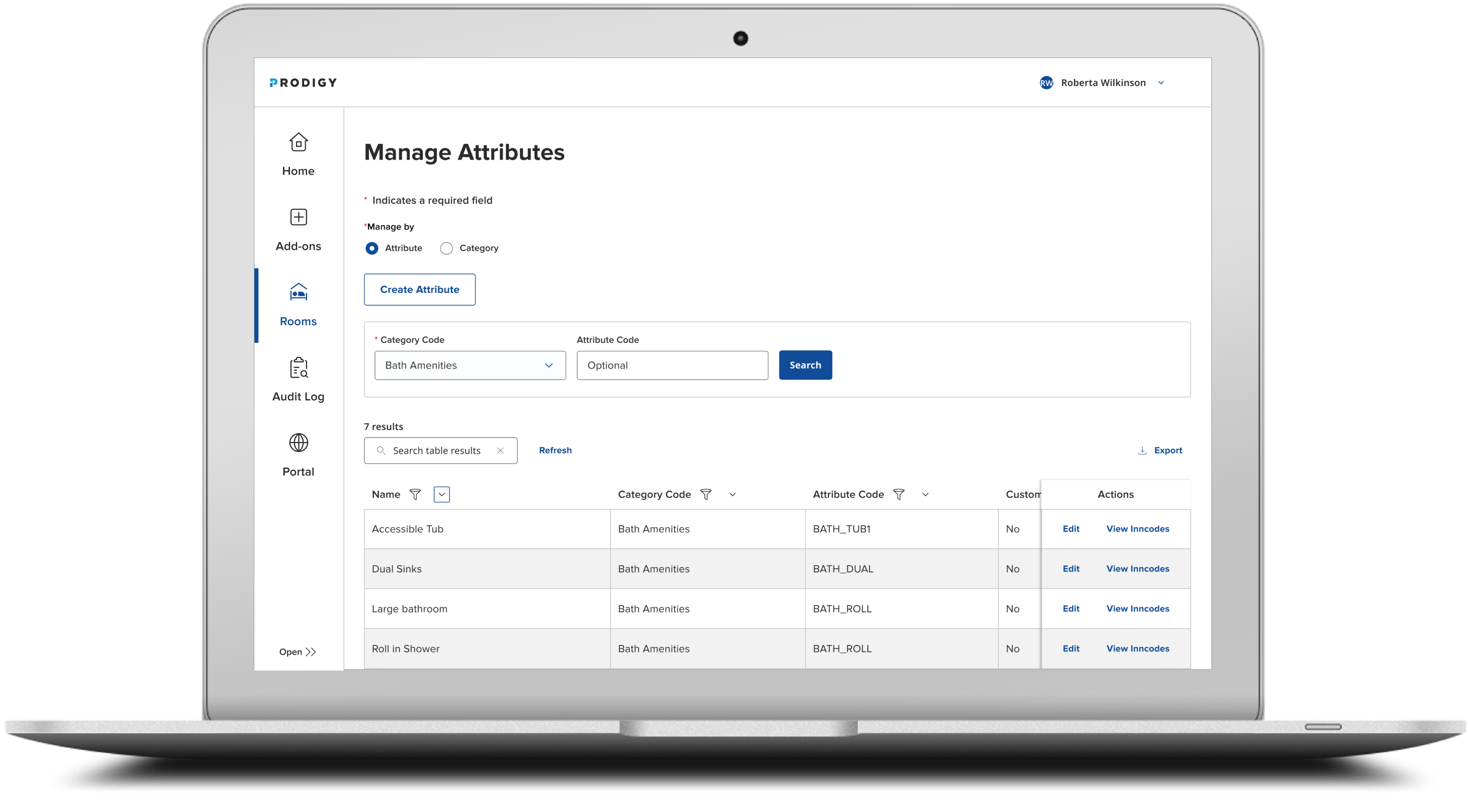
Within the Rooms product, there are two areas where users can either assign or manage attributes. Due to permission settings, hotel users are limited to assigning attributes only, while internal team members have access to both assigning and managing attributes.
Manage Attributes is an internal Hilton tool for creating, updating, and deleting attributes and their categories. It is designed exclusively for internal users to ensure clean, consistent, and globally standardized enterprise data. For example, “Bay View” is a single attribute within the “View” category. Hotel users will not see this in the navigation.
Assign Attributes enables both hotel and internal Hilton users to link specific attributes to a hotel's room type. Room types serve as a generalized framework for grouping similar rooms. Looking ahead, Hilton plans to shift toward defining rooms individually by room number, moving away from grouped room types for greater accuracy and flexibility.
PROTOTYPE
The link below is set in the context of a hotel setup with attributes tied to the property and room types. A user will go in there and make some minor updates. Note: For the best experience, ensure the prototype is set to fit your viewport’s height and width. You can adjust this using the view icon located in the top-right corner of Figma.
View PrototypeDocumentation
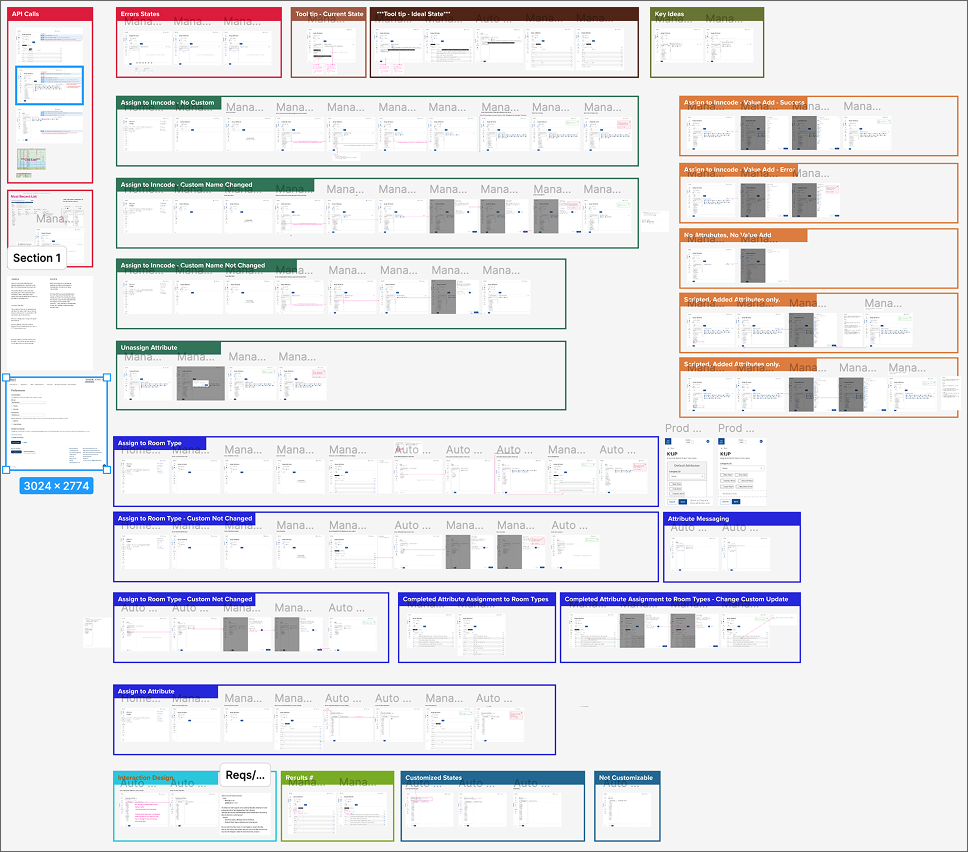
Figma Documentation
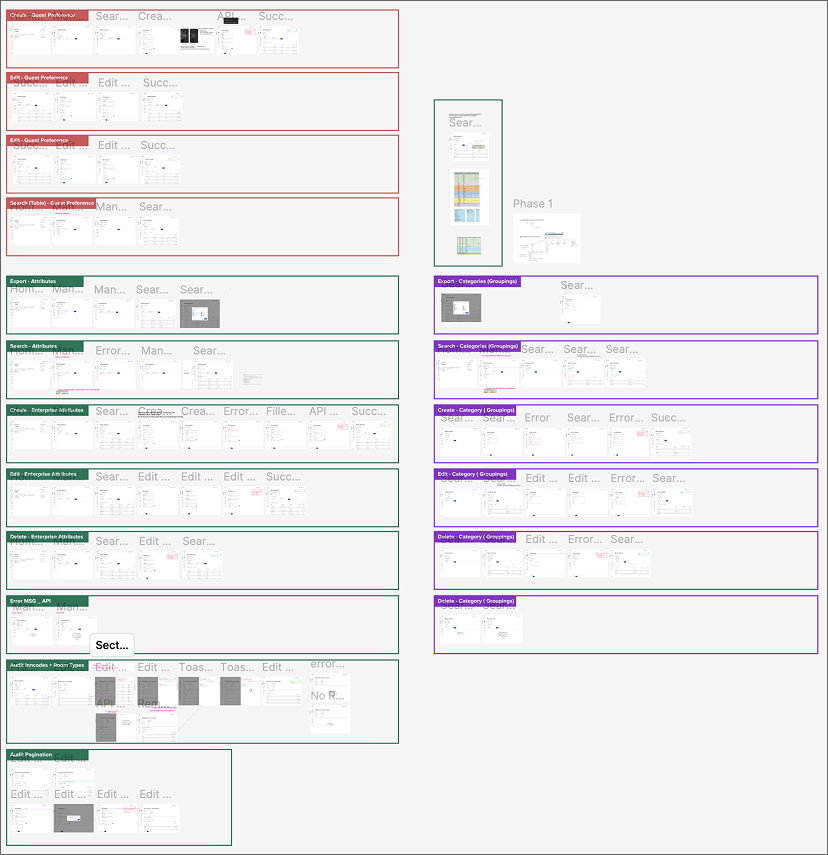
Assign Screens
Manage Screens